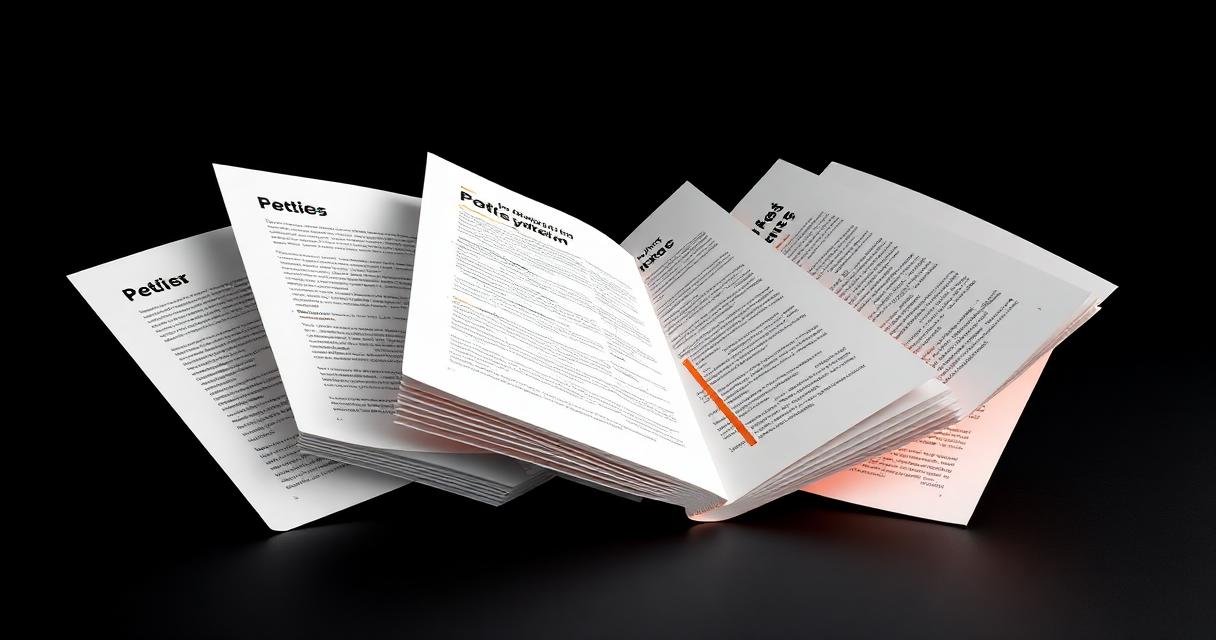
하나의 PDF에 여러 문서가 있을 때 분할하면 필요한 페이지만 공유할 수 있습니다.
문제 개요
200페이지짜리 보고서에는 팀별로 필요한 세 개의 섹션이 있을 수 있습니다.
왜 발생하는가
대부분의 뷰어는 페이지를 미리보기만 하고 추출하지 못합니다. 분할 도구가 필요합니다.
단계별 해결 방법
- 1Open the PDF and note the ranges you want to extract.
- 2Load a split tool and upload the file.
- 3Choose split by ranges, by every N pages, or extract single pages.
- 4Preview the ranges to confirm the boundaries are correct.
- 5Download the resulting files, each as its own PDF.
🖼 Tutorial illustration placeholder
추가 팁
- Name output files clearly, e.g. report-part1.pdf, report-part2.pdf.
- Use split before sharing to remove confidential sections you never intended to send.
- Combine split with compress if the extracted pages are still large.
- Verify page counts of the outputs match your ranges before deleting the original.
자주 묻는 질문
Q.Can I split a PDF into single pages?
Yes, most tools offer a one-page-per-file option.
Q.Does splitting reduce quality?
No. Pages are copied exactly as they exist in the source.
Q.Can I split a protected PDF?
Only after unlocking it with the owner password.
Q.Is bookmark data kept?
Some tools preserve bookmarks per range, others drop them. Check the output.
결론
분할은 큰 PDF를 정확하고 공유하기 쉬운 조각으로 만듭니다.
